
Guidelines
Introduction
Use these guidelines to ensure offer messaging feels clearly connected to the Paze® service and does not interfere with the purchase or checkout experience.
Messaging Style
Default Style
- font-size: 14px
- brand-style: logo
- container-style: full
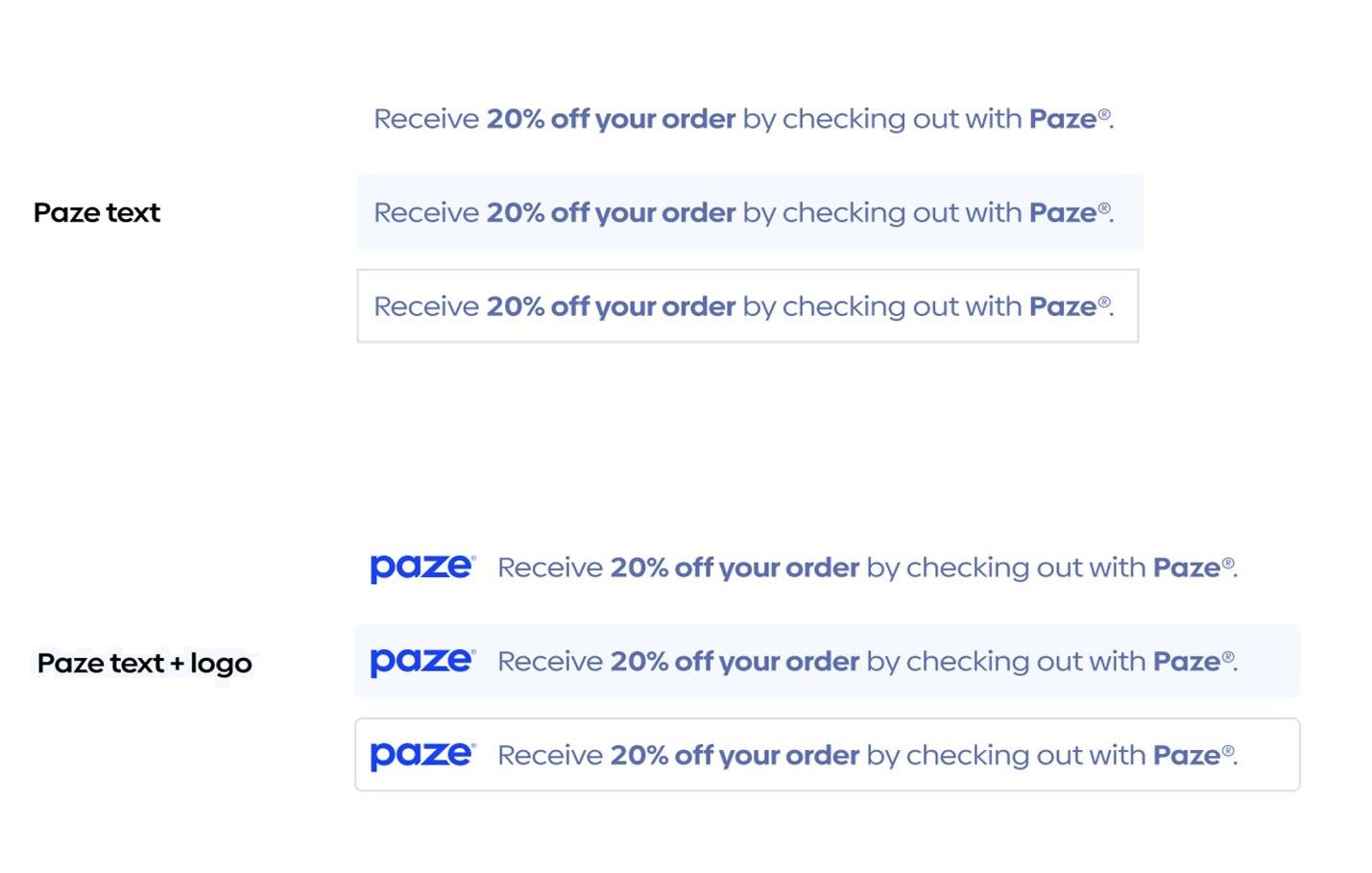
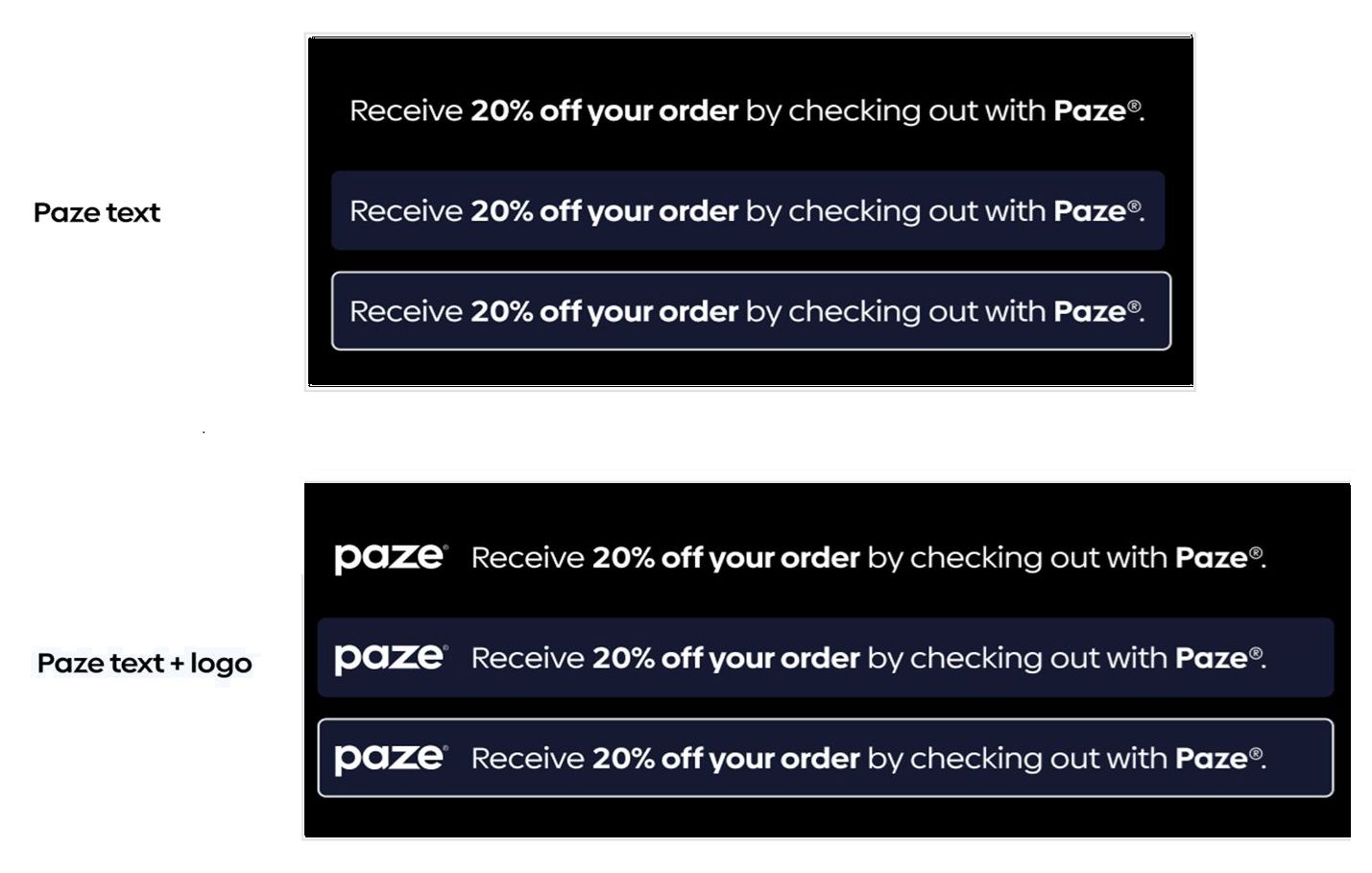
Message container-style is available in 3 formats for default or dark mode:
- none: no border, no background color
- border: border, but no background color
- full: border and background color
Default Mode
Dark mode
Messaging Behavior
- A message is displayed only when one exists for the merchant, the placement, and time frame.
- If no active offer exists, the
<paze-message>component will not render. - Messages are time-bound. After the end date, they automatically stop rendering. Messaging timing is mutually agreed upon between merchant and Paze
- Merchants do not need to update or remove expired messages manually.
- Auto-Initiate Messaging:
- When Auto-Initiate is enabled, messaging appears within the Paze experience automatically.
- No
<paze-message>tag is required for Auto-Initiate surfaces. - Placement inside the wallet is controlled by Paze.
Placement guidelines
Do
- Place messaging near the Paze payment option
- Maintain consistent spacing with other payment elements
- Allow Paze to manage offer logic and copy
Don’t
- Treat messaging as the primary call-to-action
- Hard-code offer copy outside the message container
- Create layouts where messaging shifts primary checkout actions
Content & behavior
- Offer copy is configured and managed by Paze including Logo, verbiage, and date/time span. Messaging content is mutually agreed upon between merchant and Paze. Contact Merchant Support to request changes.
- If no active offer exists, the message container will not be displayed. If multiple messages exist, only one active message per merchant/profile/placement is supported within a time window.
- Messaging does not modify checkout behavior or payment processing. Messages must not block or delay checkout actions.
Updated about 2 months ago
Did this page help you?