
Guidelines
Introduction
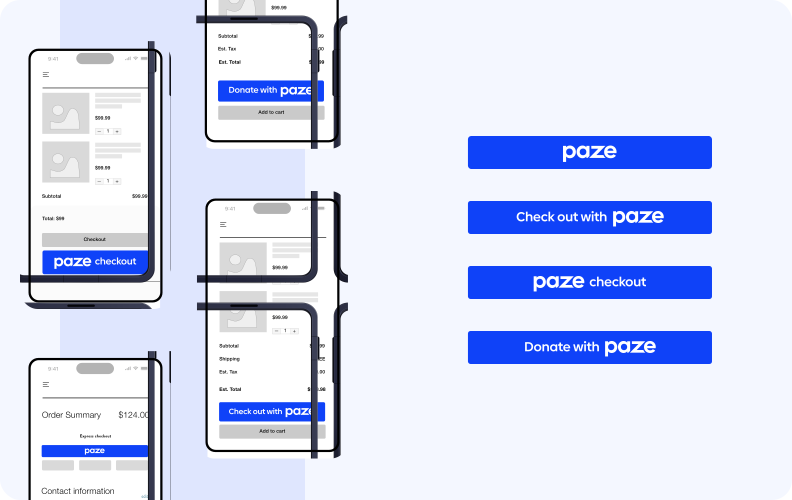
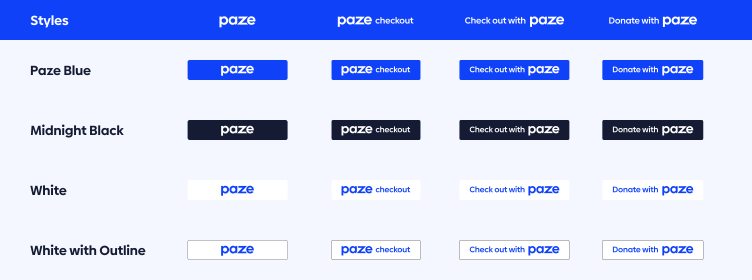
Create an embedded Paze button that consumers can click to allow seamless checkout for purchasing goods and services within your native app or website. The Paze button launches and guides consumers through the checkout experience. Use best practices while implementing the Paze button for your use case to get the best results.
Placing Paze as a payment option
Paze is compatible with iOS, Android, and websites. We recommend adding Paze to the following:
- Product details page
- Checkout page
- Cart page
In addition to the above, we recommend adding Paze anywhere else a customer can choose a payment method and initiate a purchase.
Paze button best practices
- Paze button is presented on page load.
- On product pages, position the Paze button near the primary "Add to Cart" button.
- Optimize the Paze button for minimal clicks.
- Allow Paze to manage shipping address.
Resources
- Paze button integration guide
- Paze Checkout User Interface standards
Updated about 1 month ago