Overview
Button Initiated Checkout
Paze® provides buttons designed to align with various user call to actions. And, in various styles to fit your user interface. Each button has Paze specific colors, shapes, and labels. You can style the button to match your UI with accessibility built in.
Paze button everywhere
A Paze button can be placed on the checkout, product details, and cart pages. We recommend adding Paze anywhere a customer can choose a payment method and initiate a purchase. Follow the Paze button guidelines for best results.
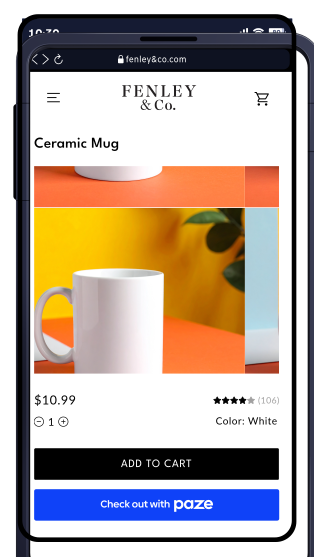
Product details page
Customers can complete their purchase from a product detials page, without the need to add to cart or fill out a form.
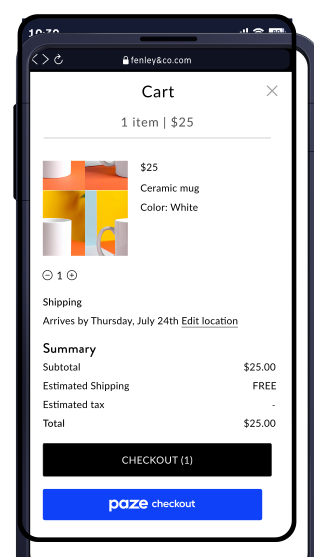
Cart page
Simplify transactions by adding Paze as a default and prominent checkout option.
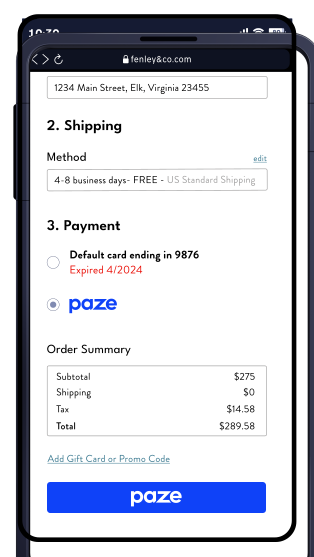
Checkout Page
Simplify payment card selection by always displaying Paze
Updated 19 days ago